Skip to content
Christmas AI Photo

Merry Christmas

Counting down to Christmas

AI Christmas photo generatorOne selfie.
Your Christmas
photo shoot.

Upload a photo of yourself, pick a festive scene, and get a picture that still looks like you — ready for Instagram, Facebook or your holiday card.

  • First photo free · watermarked preview
  • No card needed · sign in with Google
  • Selfie deleted after 7 days
  • Share to Instagram & Facebook from your phone
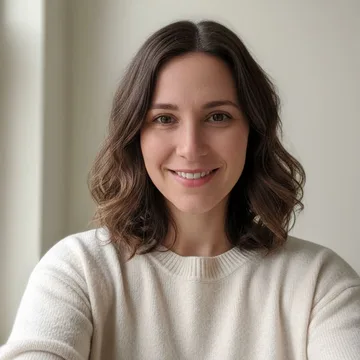
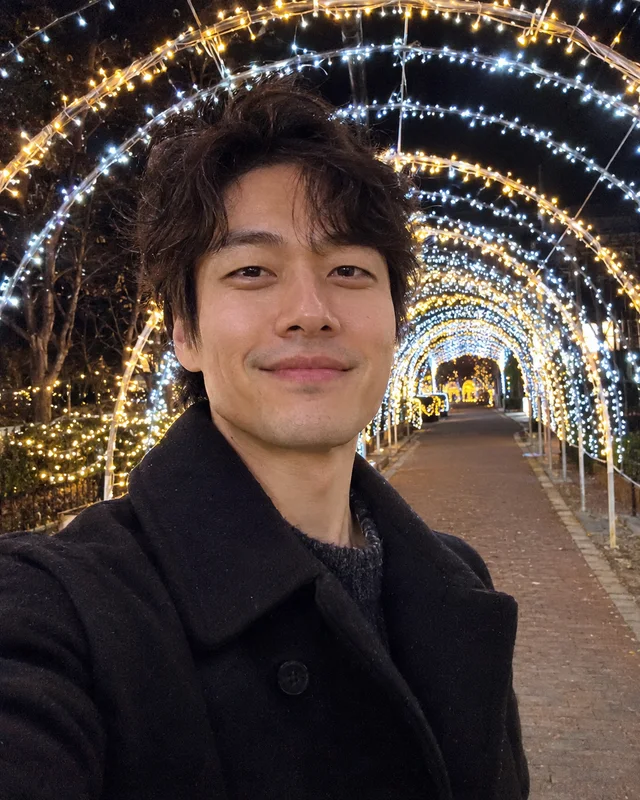
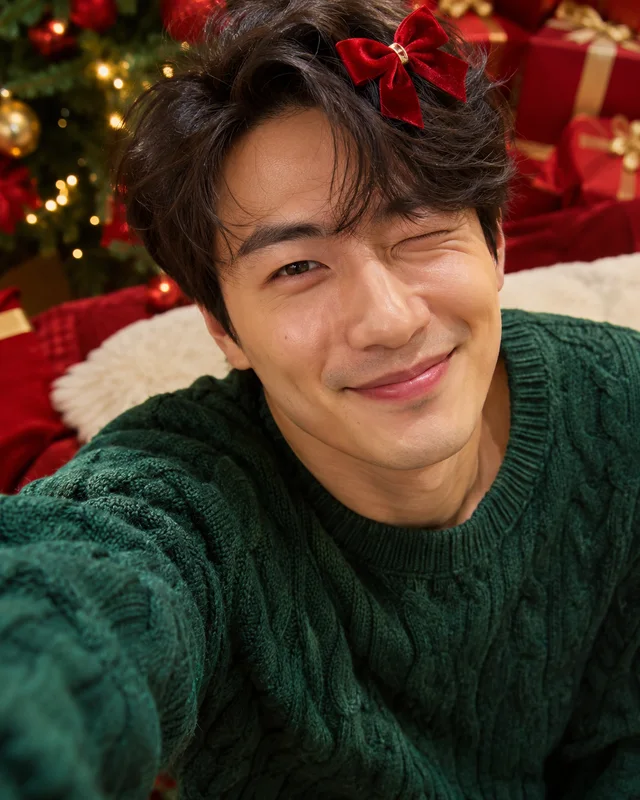
The original selfie used for the example photos
Your selfie
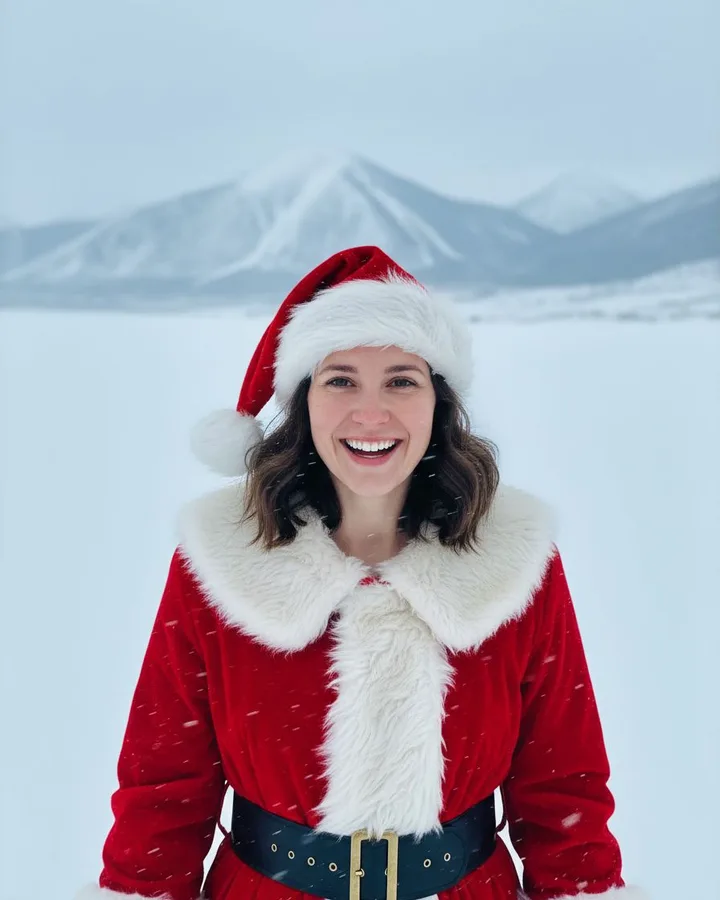
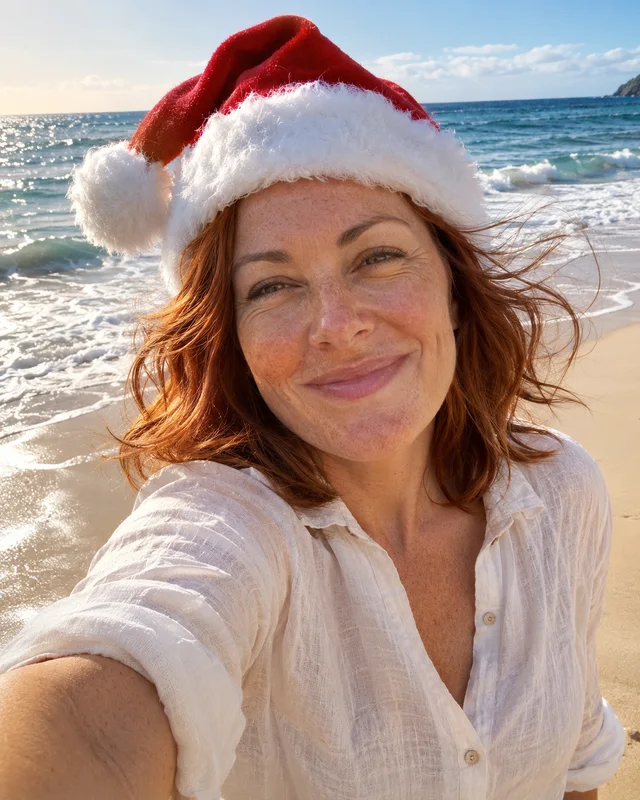
AI Christmas photo in the beach santa selfie scene, made from one selfie
Beach Santa Selfie4:5 · HD

as easy as wrapping a gift

  1. Upload one selfie

    Clear, front-facing, one person. JPG, PNG, HEIC or WebP, up to 10 MB.

  2. Pick a scene

    37 Christmas looks. No prompt writing — we keep your face and hair, and add the Christmas smile.

  3. Download or share

    On your phone, share straight to Instagram or Facebook with a ready-made caption. Your first photo is a free watermarked preview. After that, 1 credit per photo: 1080 × 1350, no watermark. If a photo fails, your credit comes back automatically.

37 scenes

Santa suit, cosy, snowy —
or a little silly.

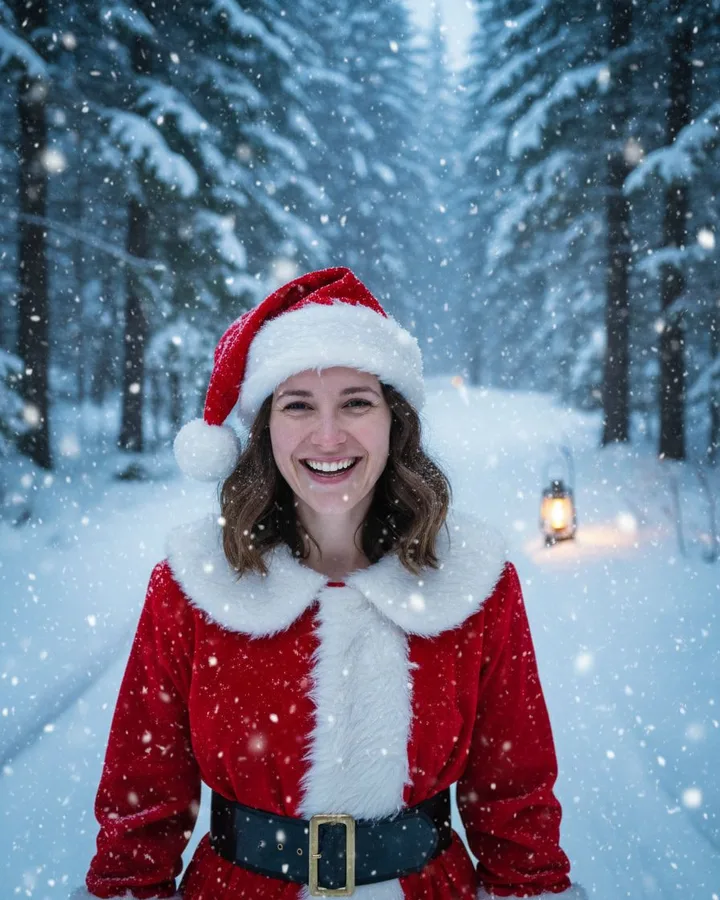
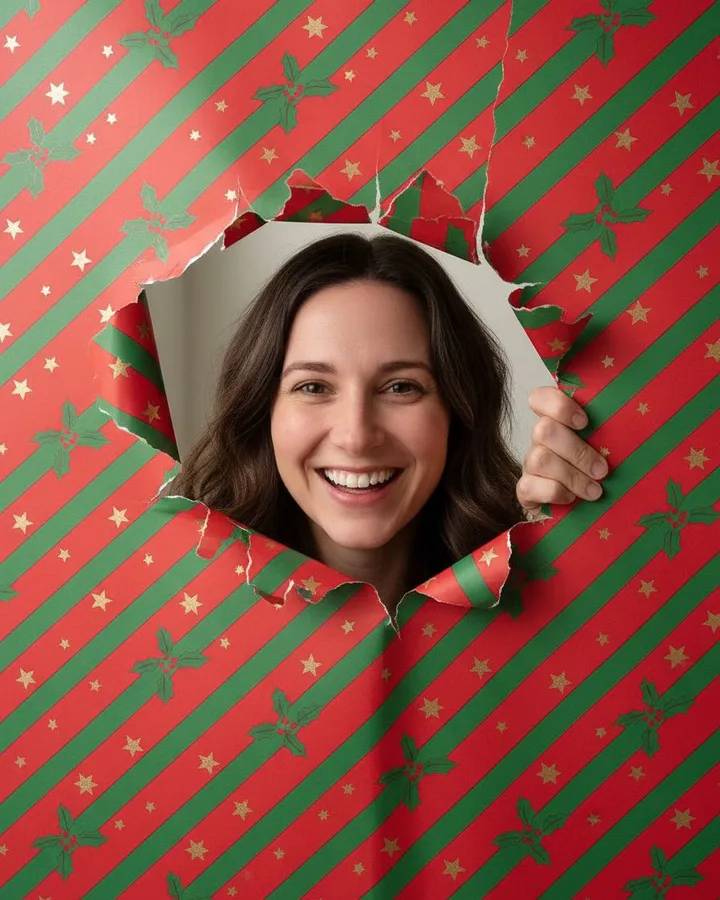
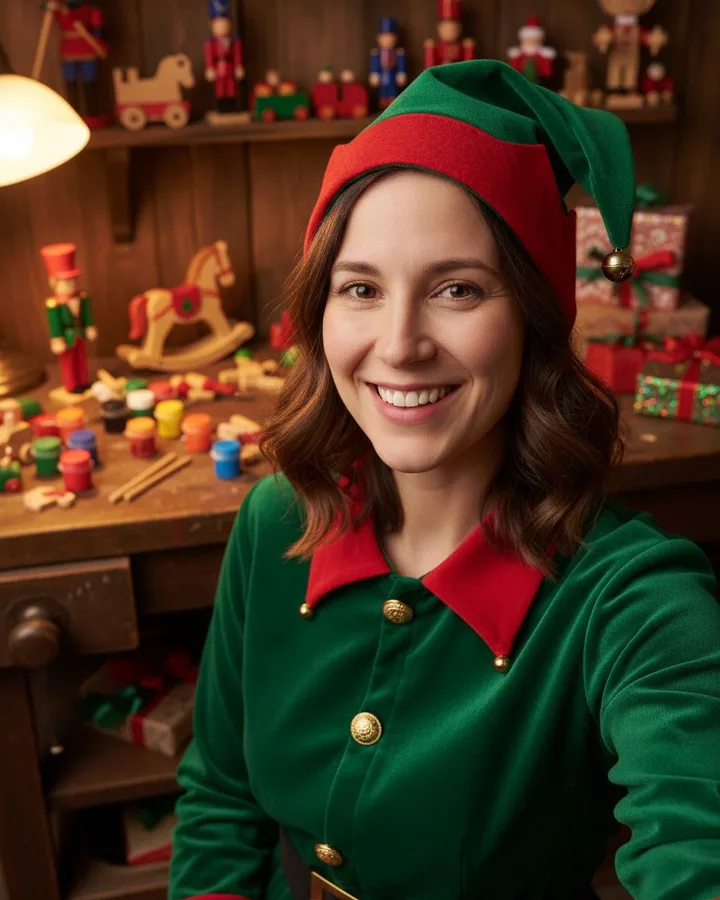
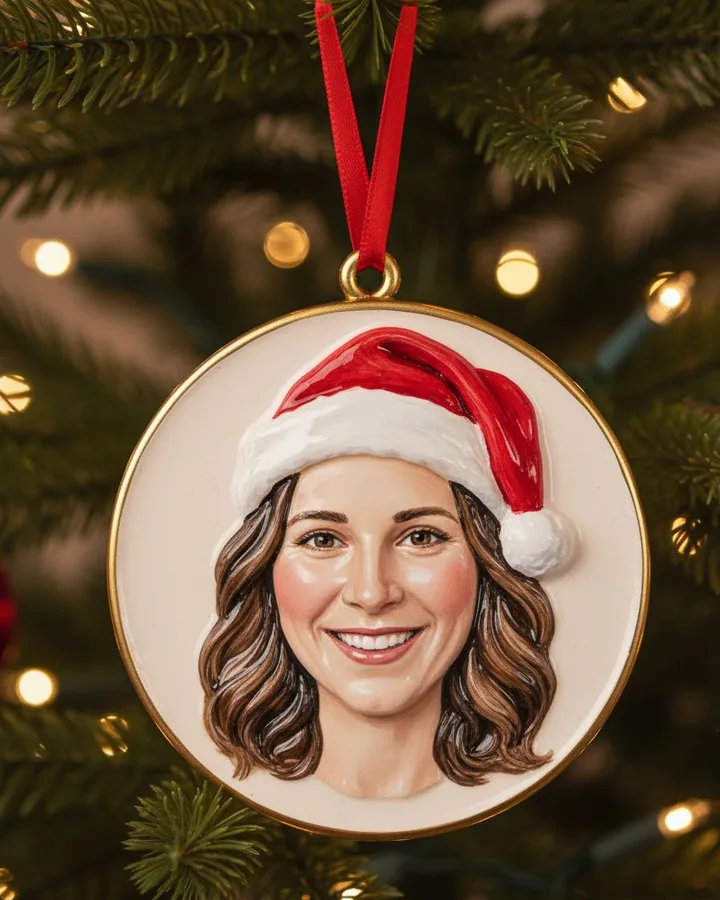
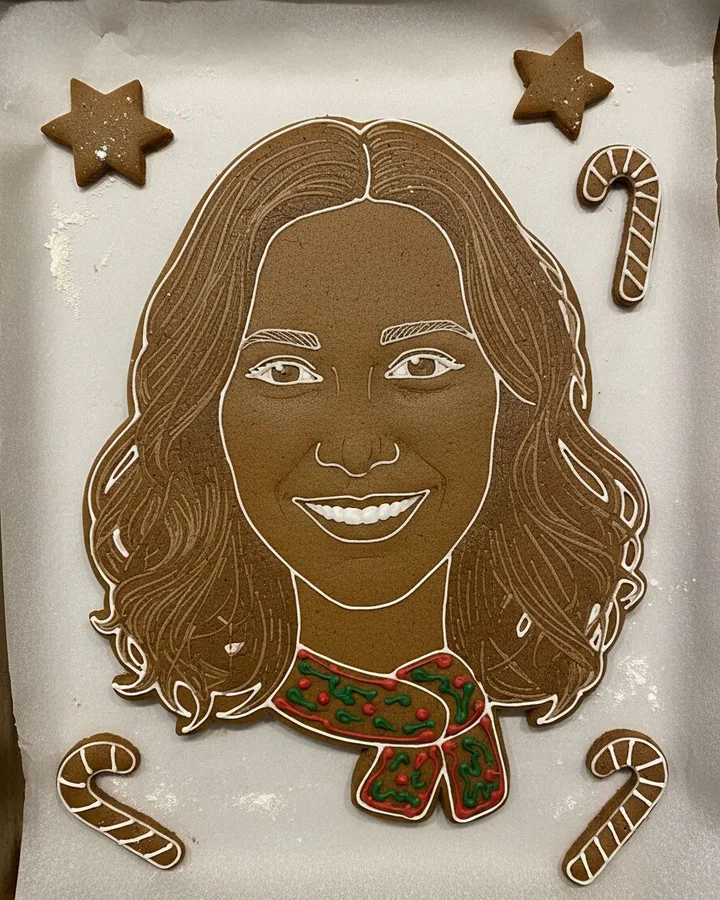
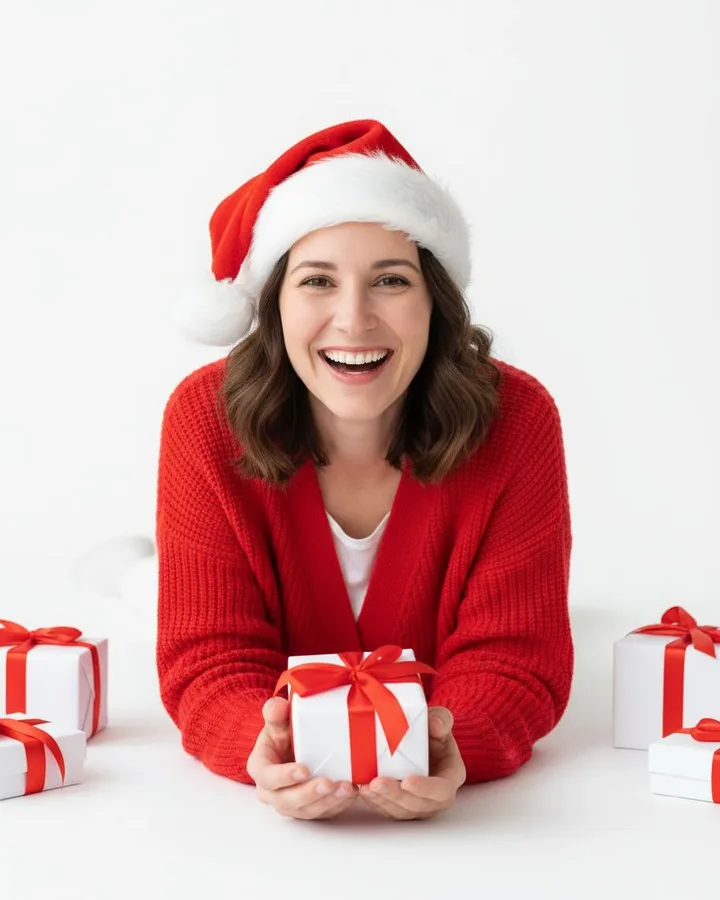
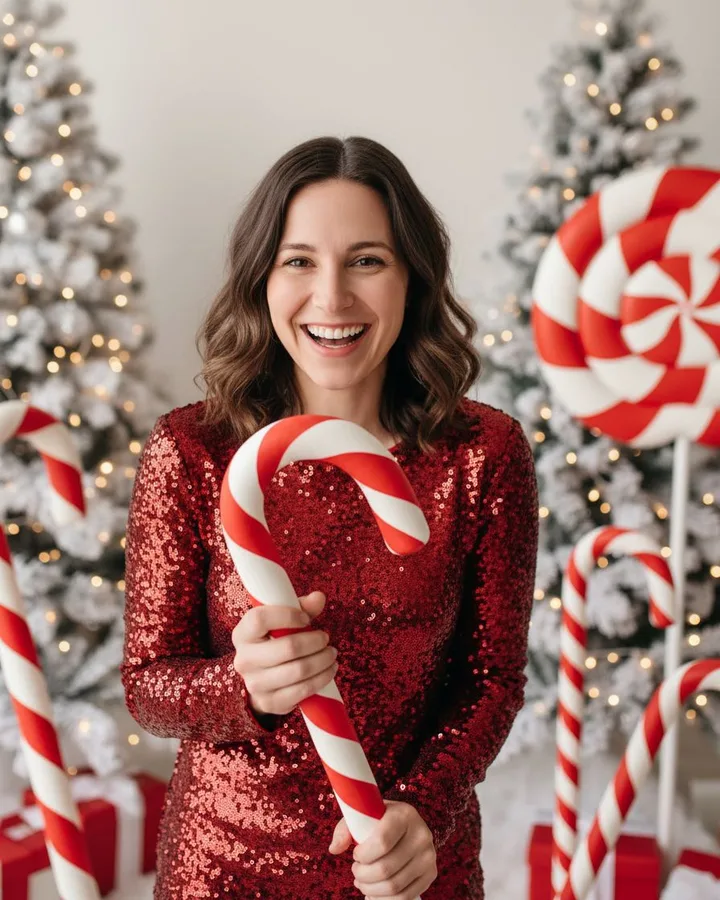
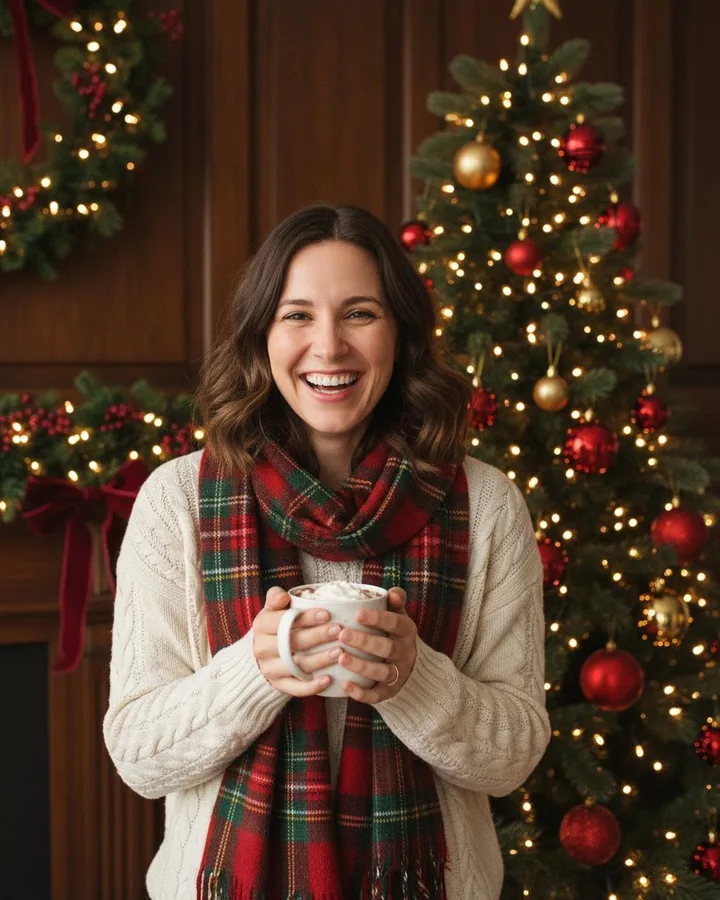
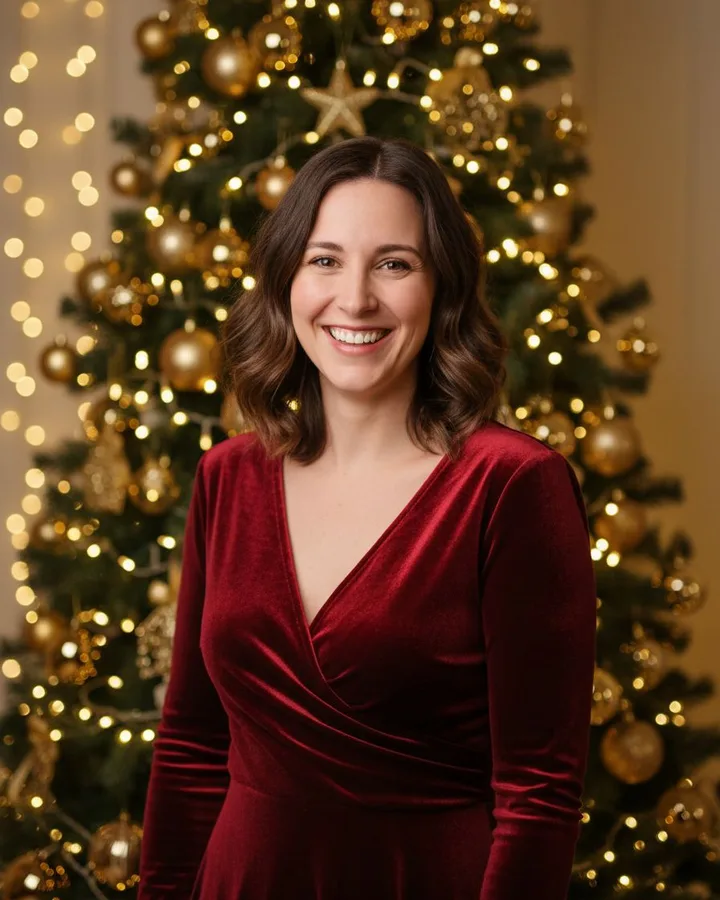
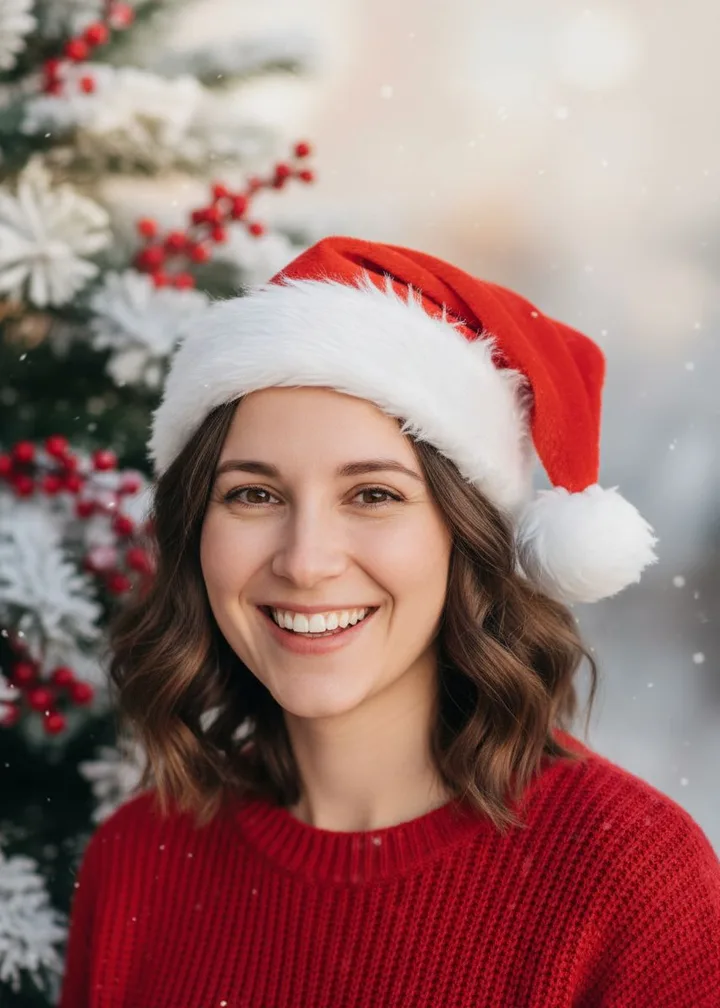
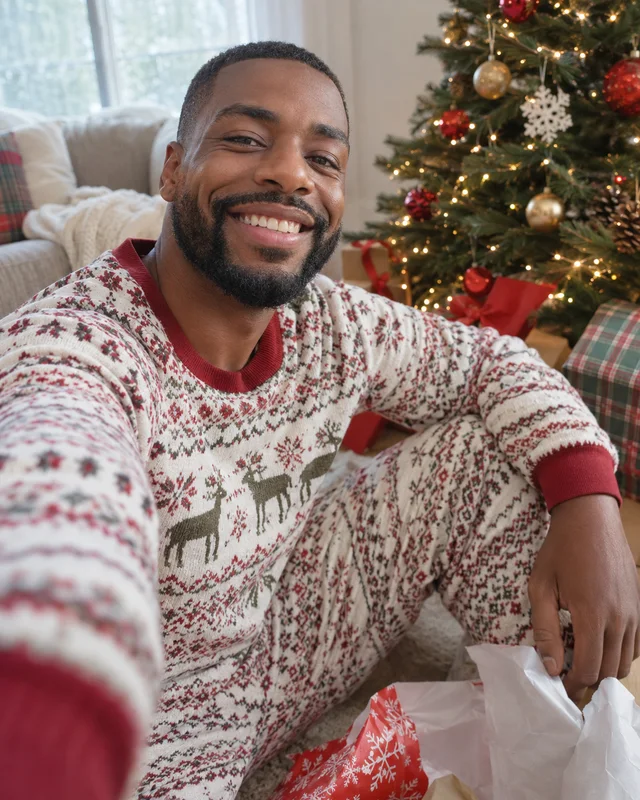
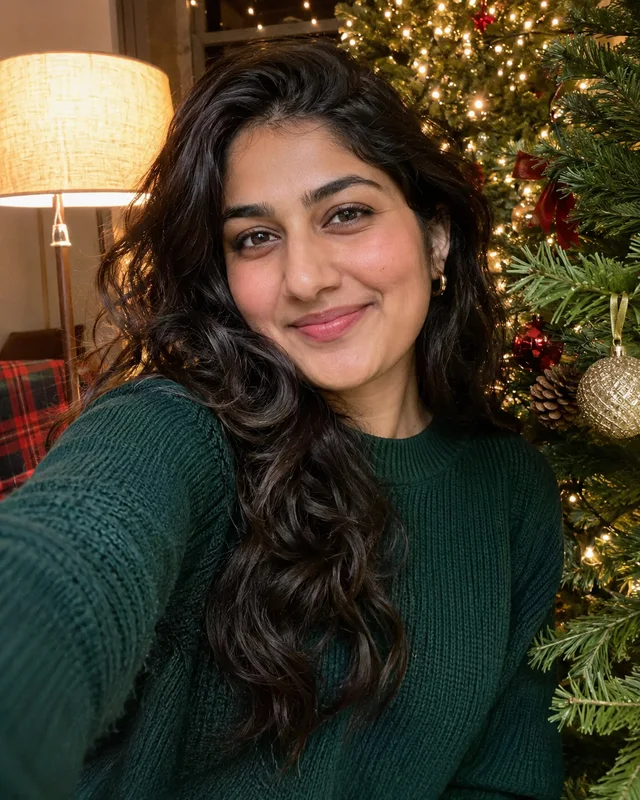
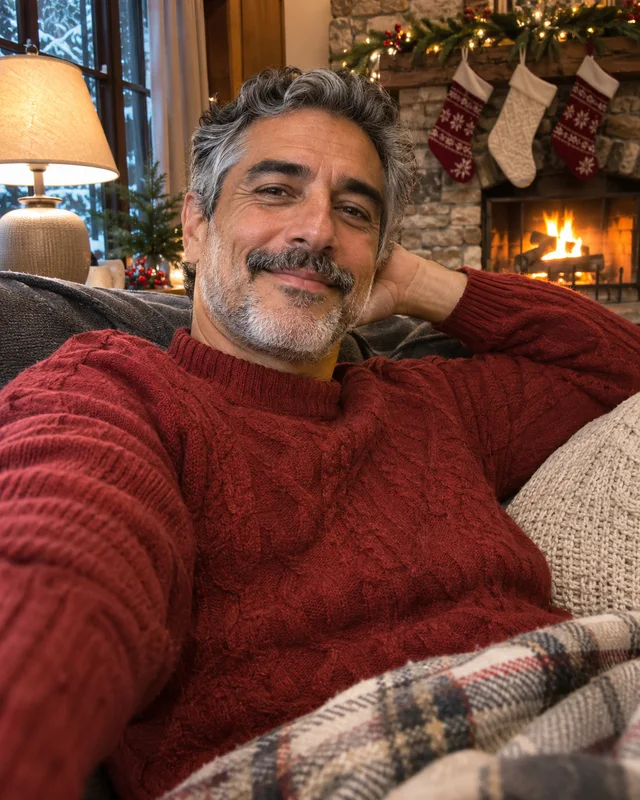
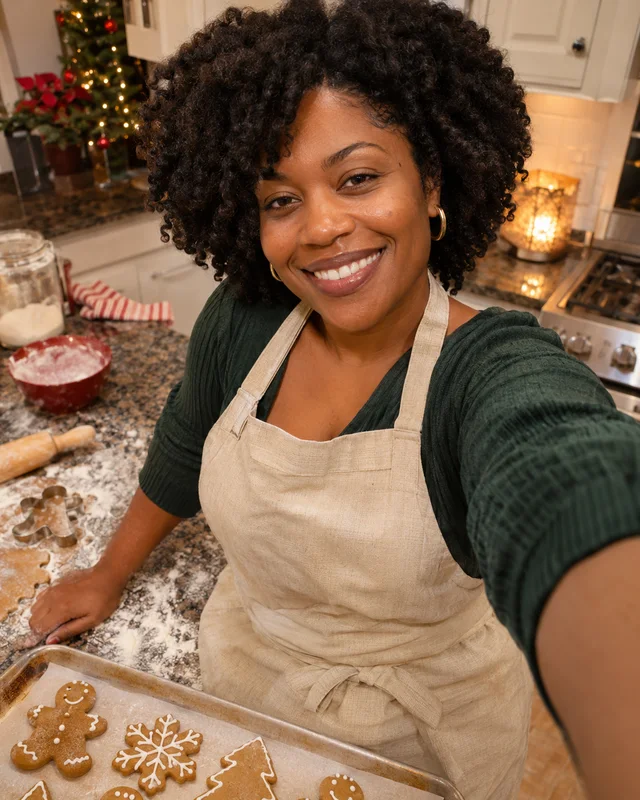
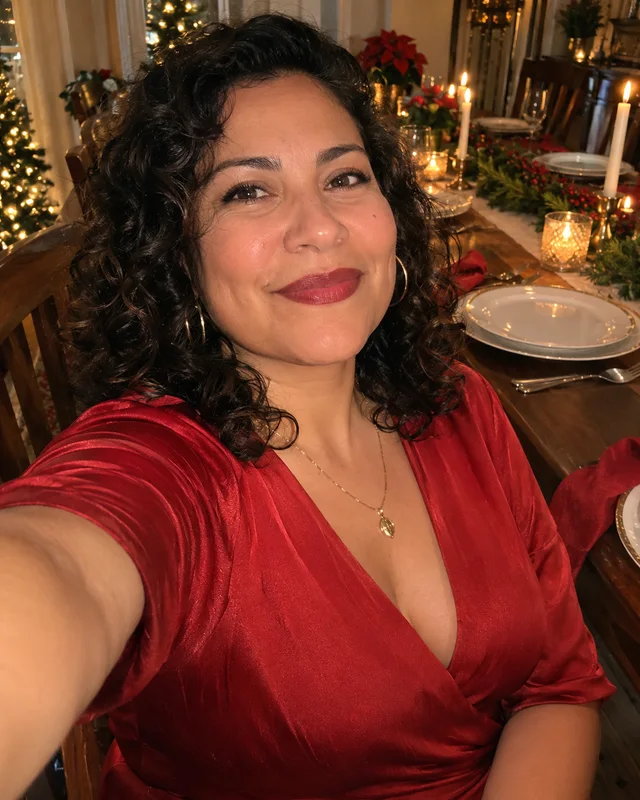
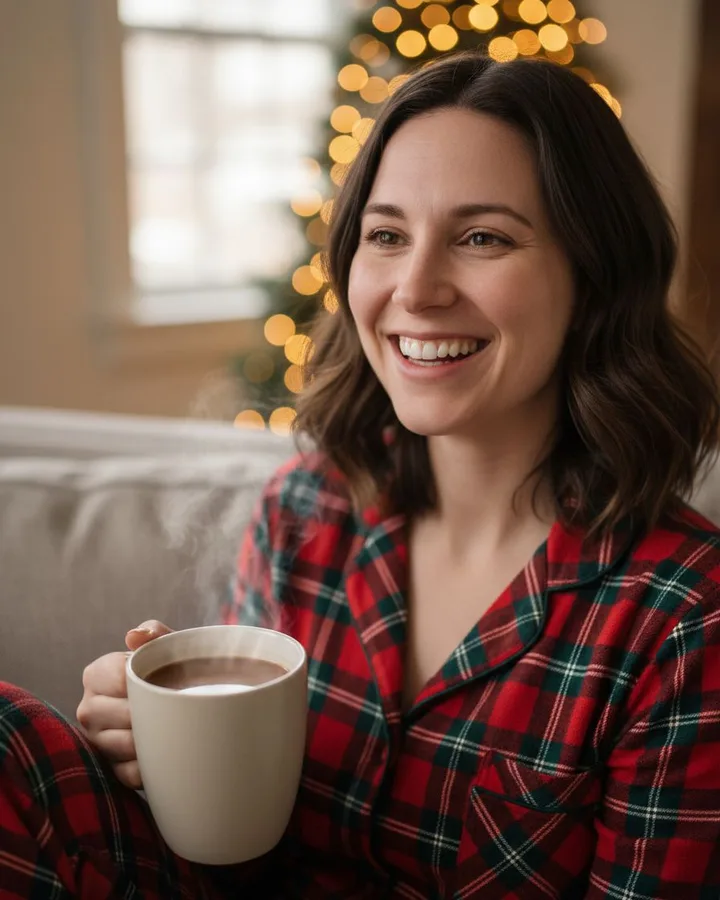
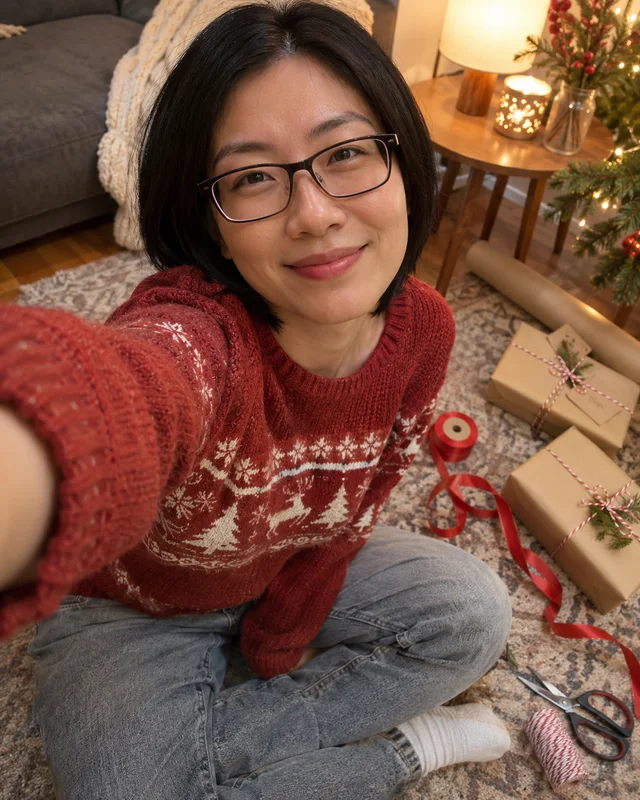
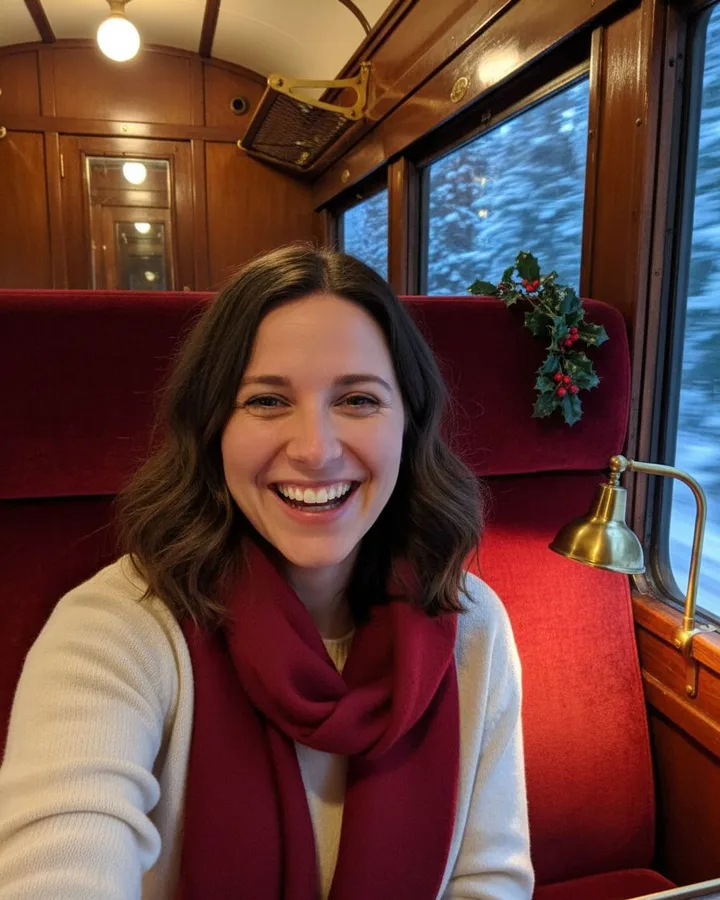
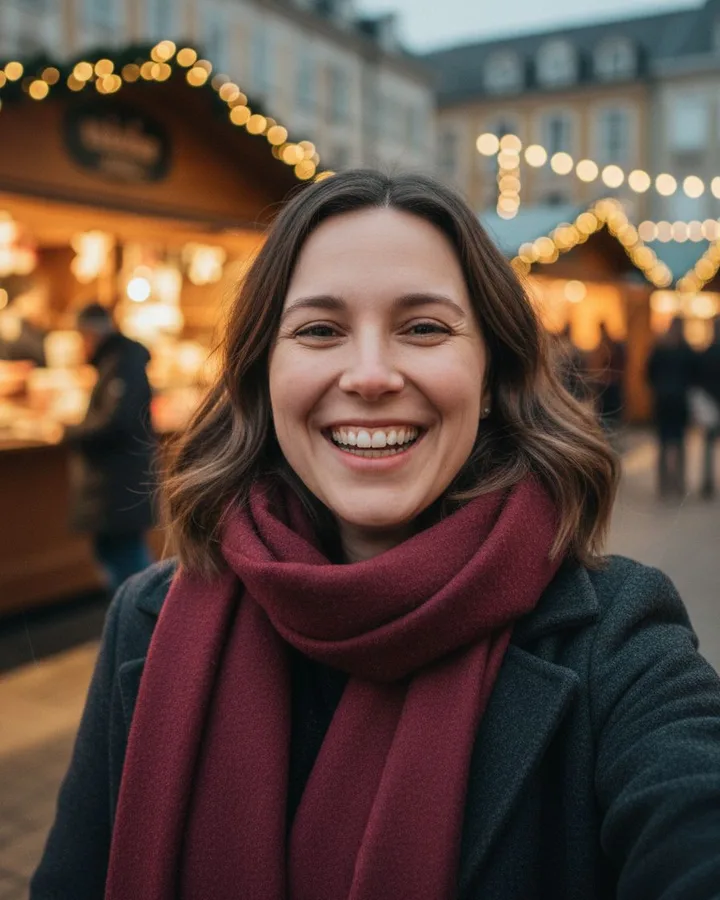
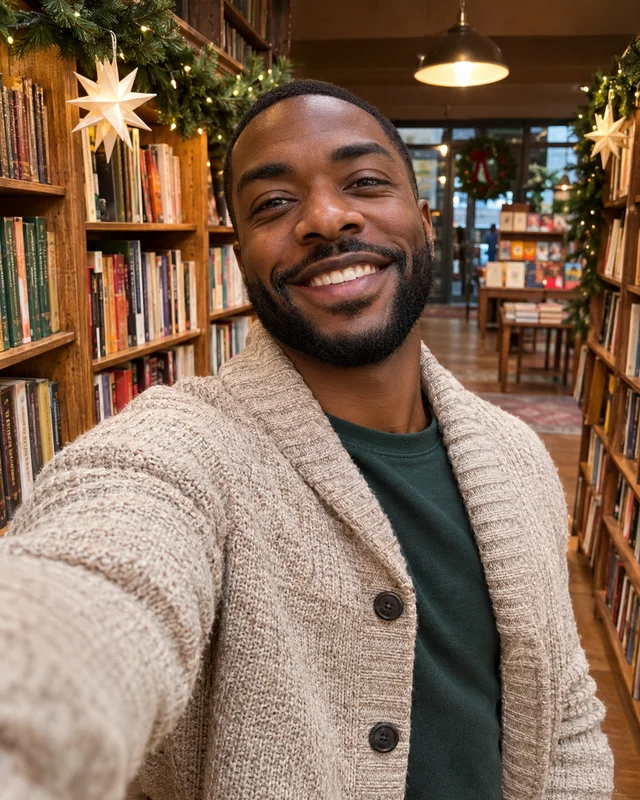
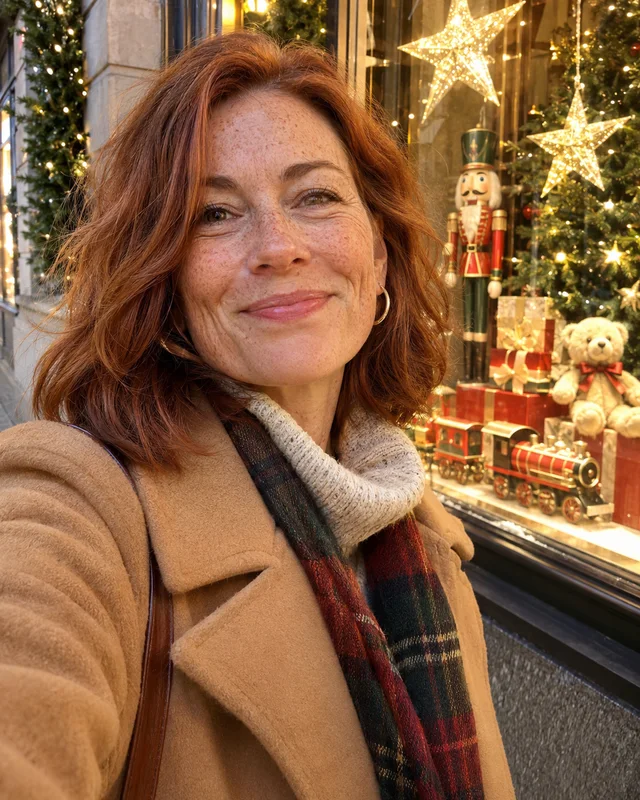
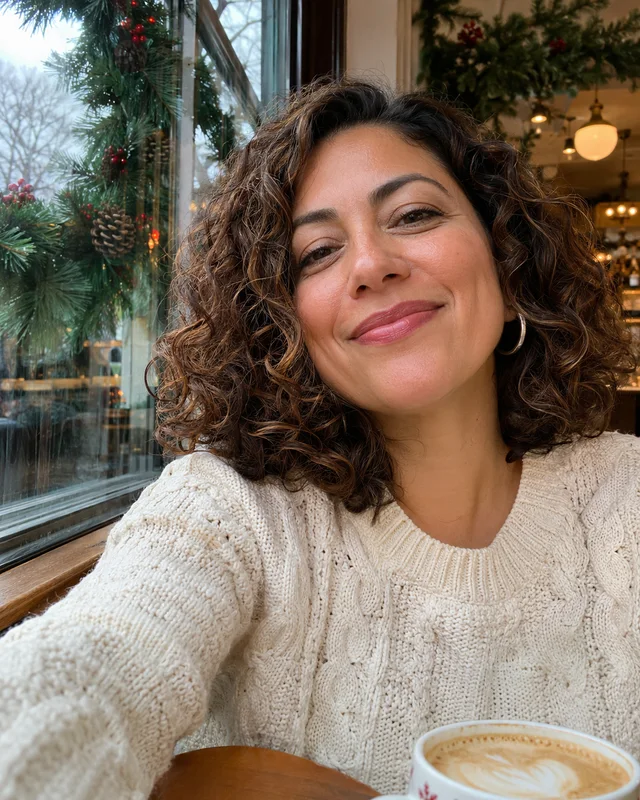
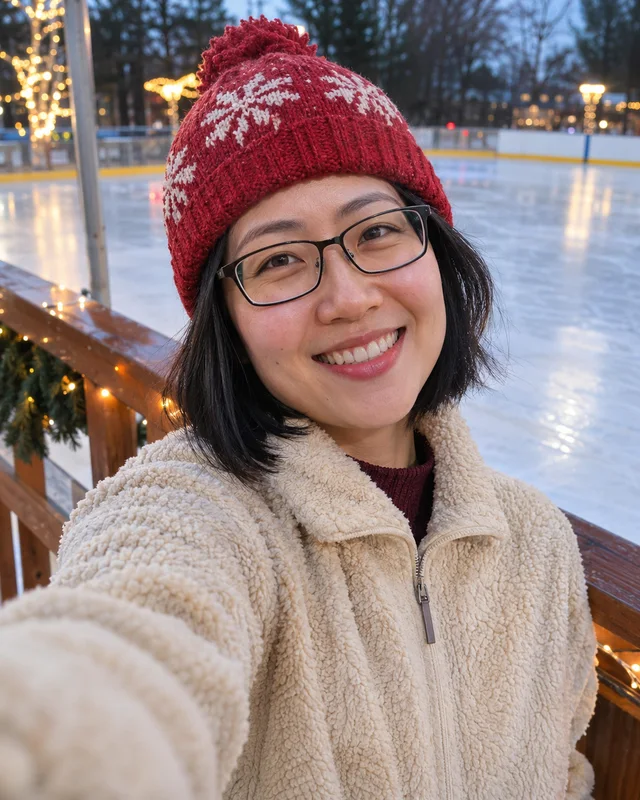
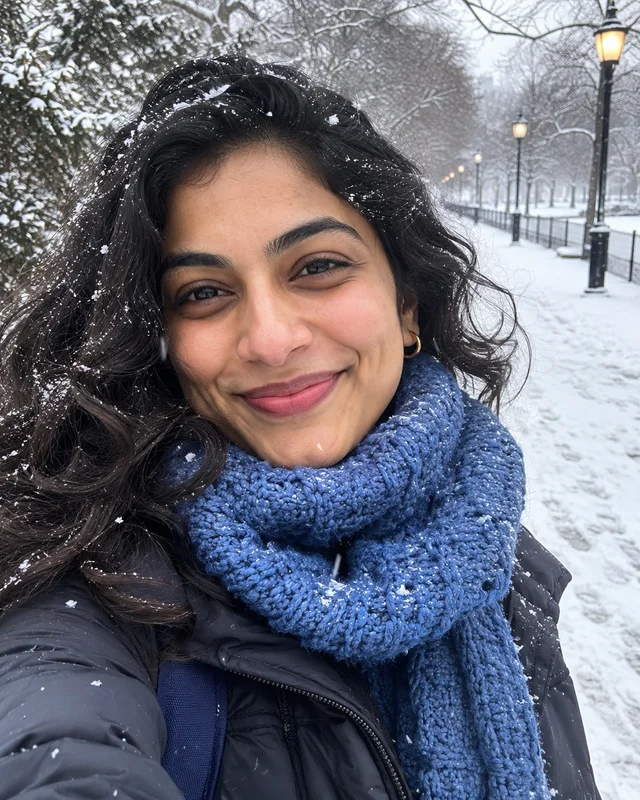
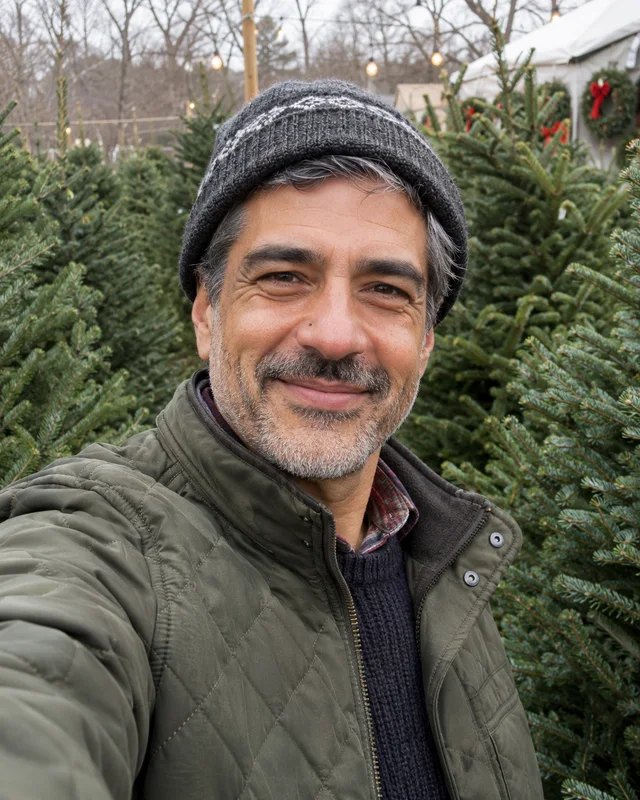
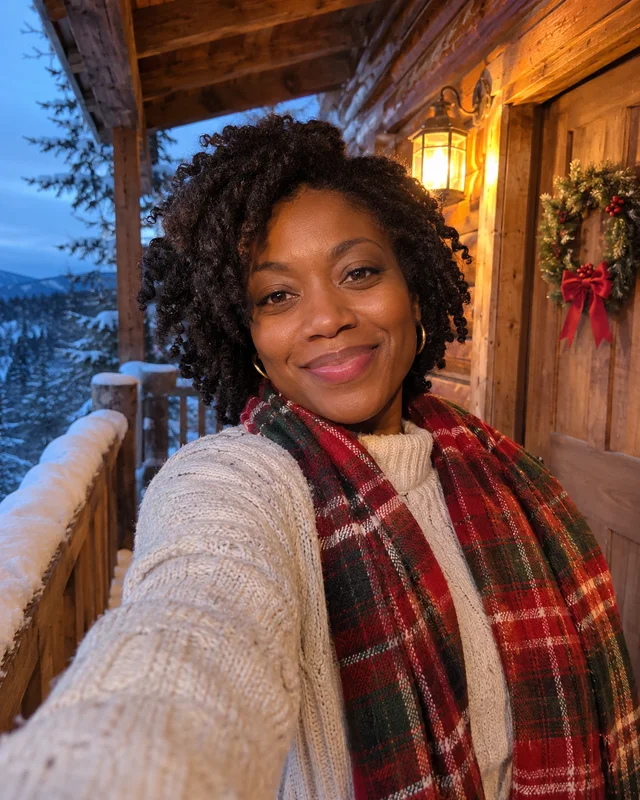
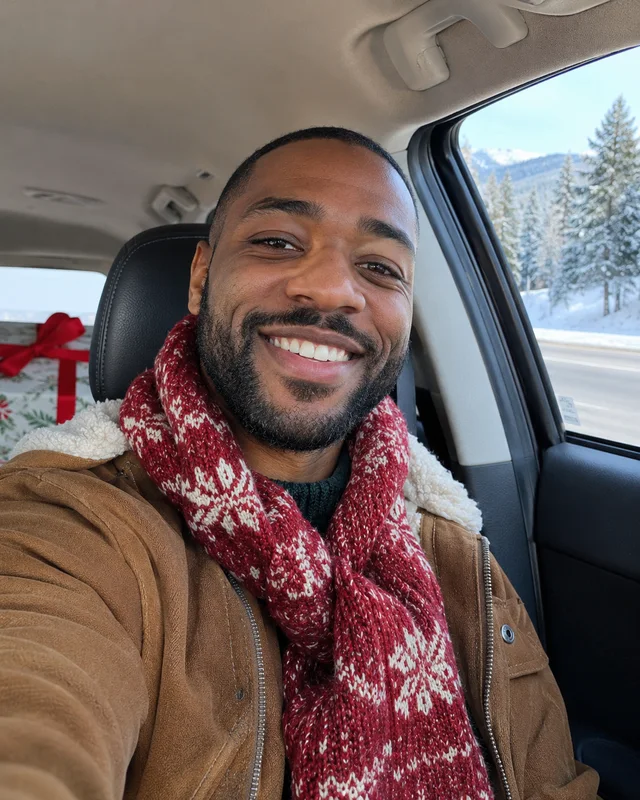
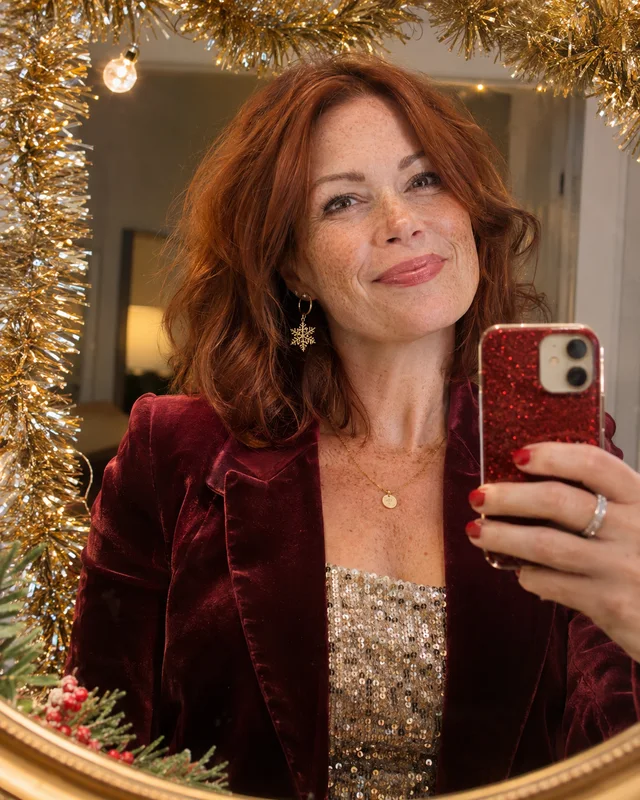
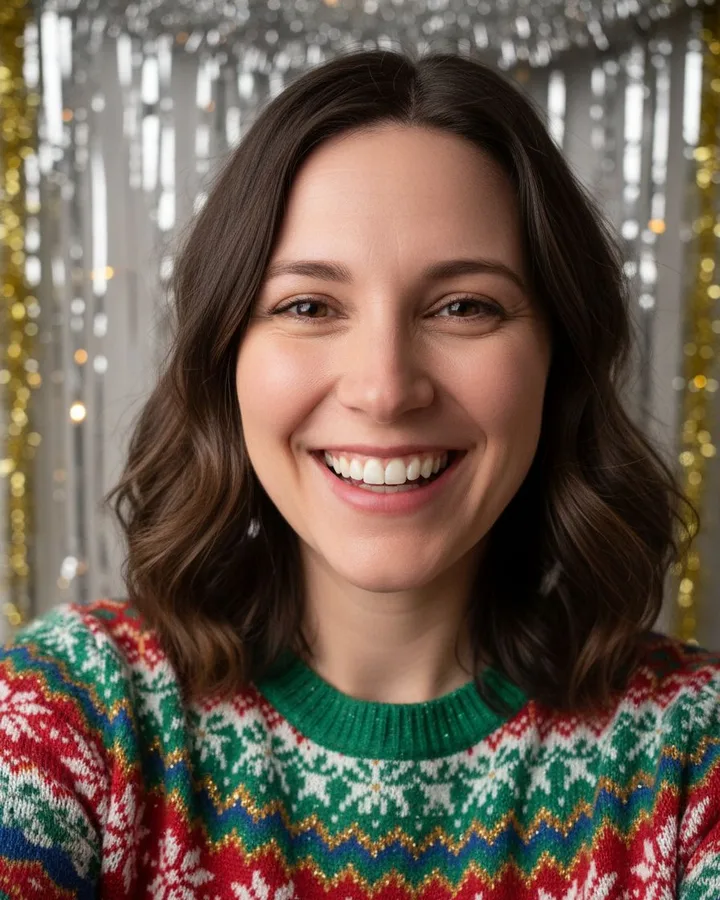
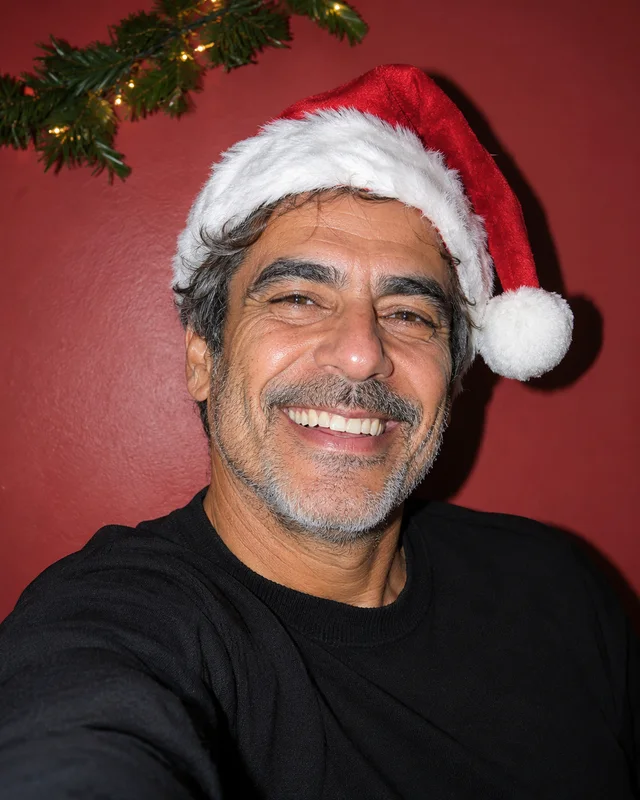
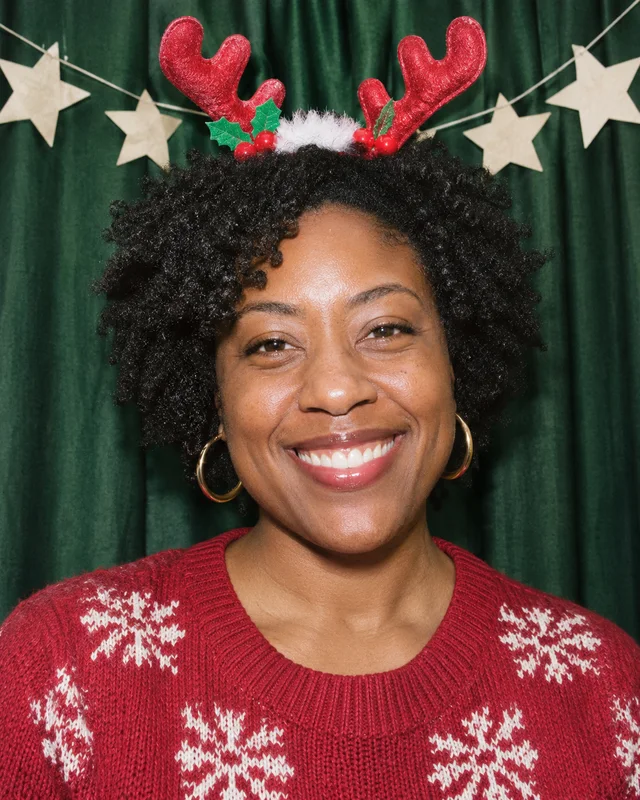
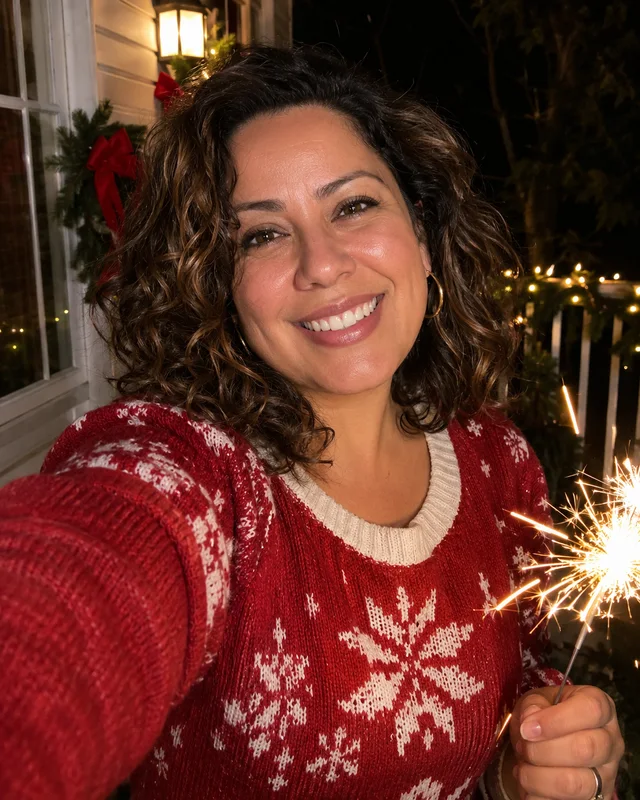
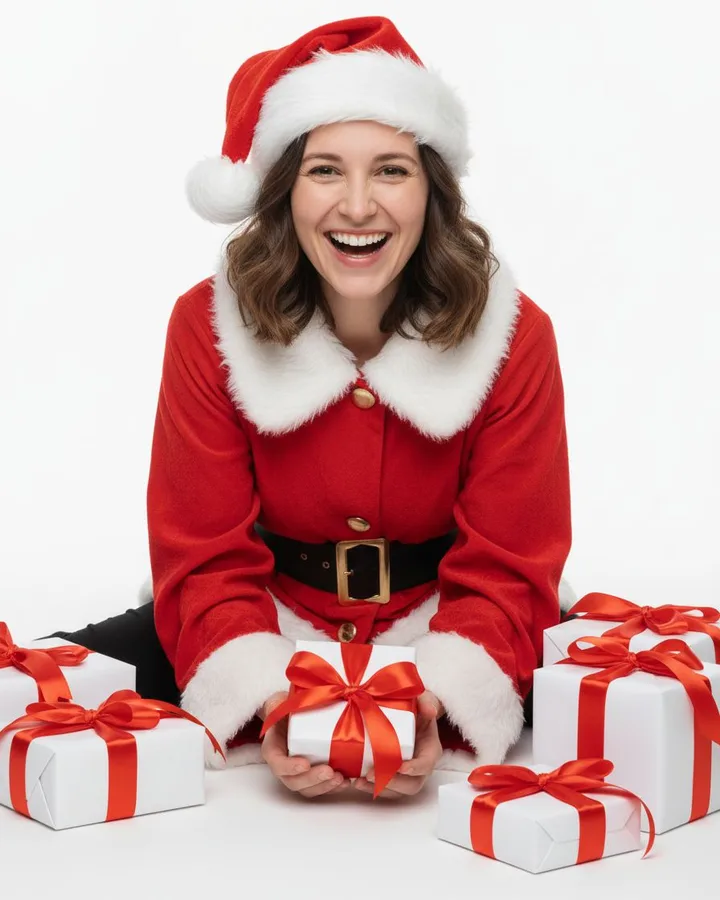
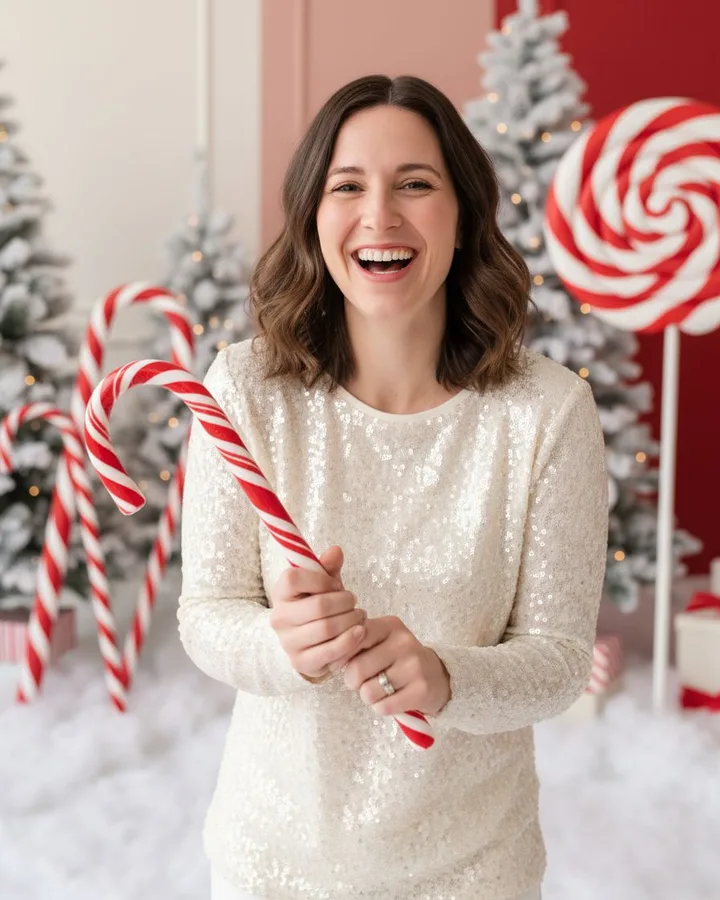
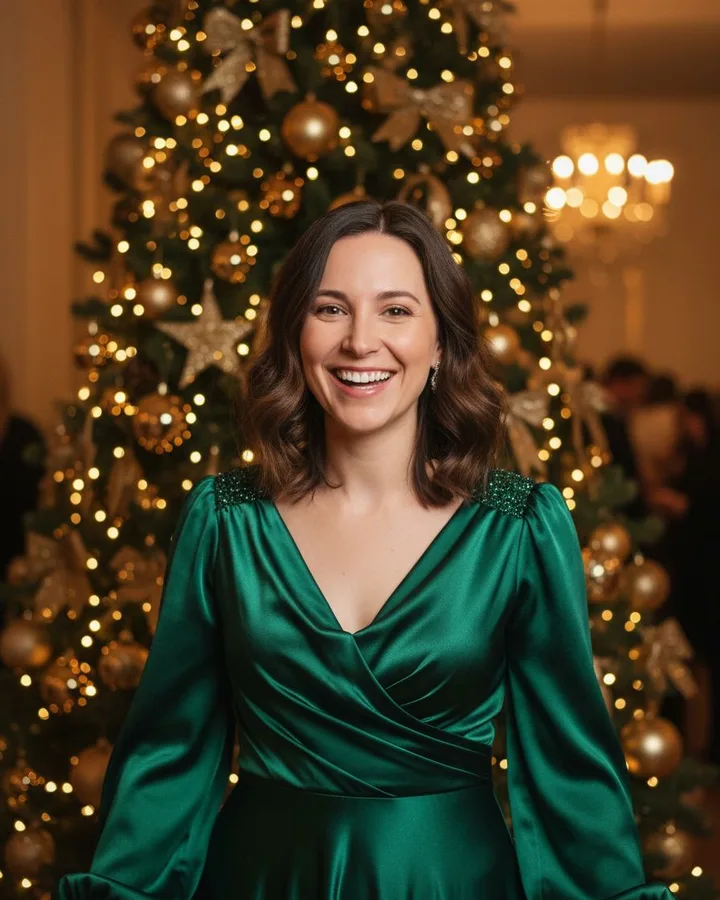
Same selfie, any scene. Tap one to try it. These pictures show each style; the real results further down were all made from one selfie.

Simple pricing

Pay once. No subscription.

a little gift to yourself

15 HD photos

$4.99

About $0.33 per photo · no watermark

Get 15 photos

40 HD photos

Best value

$9.99

About $0.25 per photo · try every scene

Get 40 photos

New accounts get 1 free watermarked preview. 1 credit = 1 HD photo. Credits never expire. Failed photos are refunded automatically. Unused packs refundable within 14 days.

Private by default

Only you can see your photos. There is no public gallery.

Selfie deleted in 7 days

We strip location data on upload and delete the file automatically.

Never used for training

Your face is used only to make the photos you ask for.

The AI Christmas photo trend

A Christmas photo shoot, without the photo shoot.

Every December, AI Christmas photos fill Facebook and Instagram feeds: people by the fireplace, in the snow or in front of the tree, made from one ordinary selfie. Christmas AI Photo makes that in one step — no prompt writing, no app to install.

Tips for the best result

  • Use a sharp photo in daylight, facing the camera.
  • One person only, no sunglasses or hats covering the face.
  • Try two or three scenes with the same selfie and keep your favourite.

Made for sharing

Portraits come in 4:5, the size Instagram and Facebook show without cropping. On your phone, one tap opens the share menu with your photo, and each scene comes with captions you can paste in.
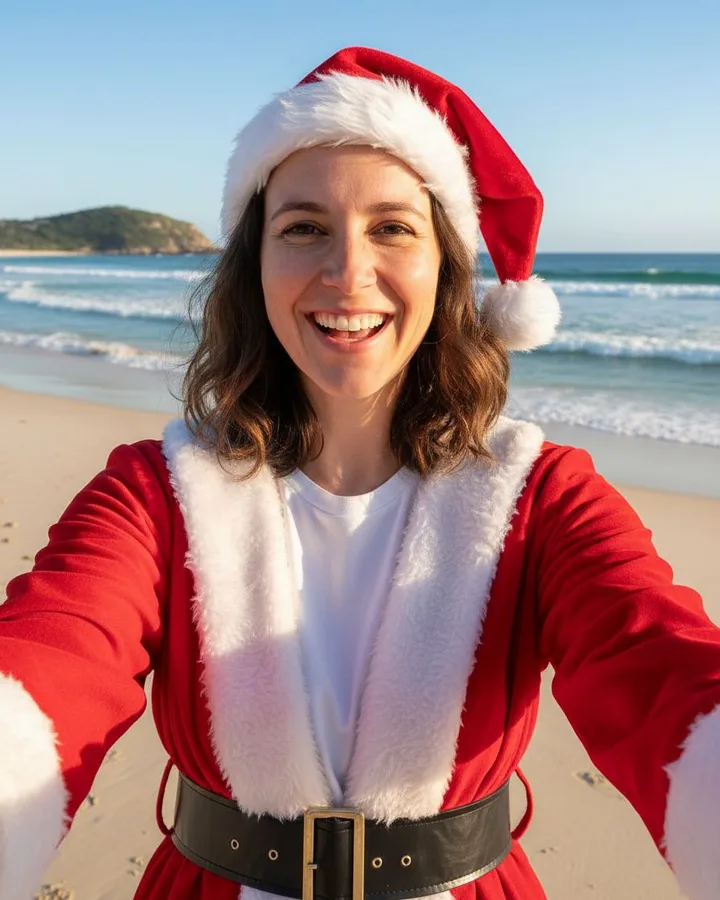
AI Christmas photo in the beach santa selfie scene, made from one selfie

Share to Instagram or Facebook

  • Santa took a beach day 🎅🏖️
  • Merry & bright 🎄✨

The holiday card scene leaves calm space at the top for “Merry Christmas” and your names.

Guides

Questions

How do I make an AI Christmas photo of myself?

Sign in with Google, upload one clear selfie and choose a scene such as Dress as Santa or Candy cane shoot. Your first photo is a free watermarked preview; HD photos without the watermark use 1 credit each. A minute or so later your photo is ready to download.

Will it still look like me?

The model is told to keep your facial features, face shape, skin tone and hairstyle, and to give you a big natural smile. Results are best with a sharp, well-lit, front-facing photo without sunglasses. AI output can be imperfect, so try another scene if one is off.

How much does it cost?

New accounts get one free watermarked preview, with no card needed. After that, credits are a one-time purchase: $4.99 for 15 HD photos or $9.99 for 40. Each photo uses 1 credit, and if a generation fails the credit is returned automatically. No subscription, credits never expire, and a pack you have not used can be refunded within 14 days.

What sizes do I get?

Portraits are 4:5 (1080 × 1350 px), the size that fits Instagram and Facebook feeds. The holiday card scene is 5:7 (1080 × 1512 px) with space at the top for your greeting.

What happens to my photo?

Your selfie is stored privately, used only to create your Christmas photos, never used to train AI models and deleted automatically after 7 days. Your results are private to your account; there is no public gallery. You can delete any photo, or your whole account, at any time.

Can I make a family or group Christmas photo?

Not yet. This version works with one person per photo. Upload only photos of yourself or of someone who has given permission, and no photos of children on their own.

Can I share my photo to Instagram and Facebook?

Yes. On your phone, tap Share next to your finished photo: your phone’s share menu opens with the photo, and you choose Instagram or Facebook. We also suggest short captions with emoji for each scene; the one you pick is copied so you can paste it into your post. On a computer, download the photo and upload it yourself.

Is this better than using ChatGPT for the Christmas photo trend?

ChatGPT can do it if you write a good prompt. Here the prompts are already tuned for each scene and for keeping your likeness, the output is sized for social media, and it takes one upload and one click.